



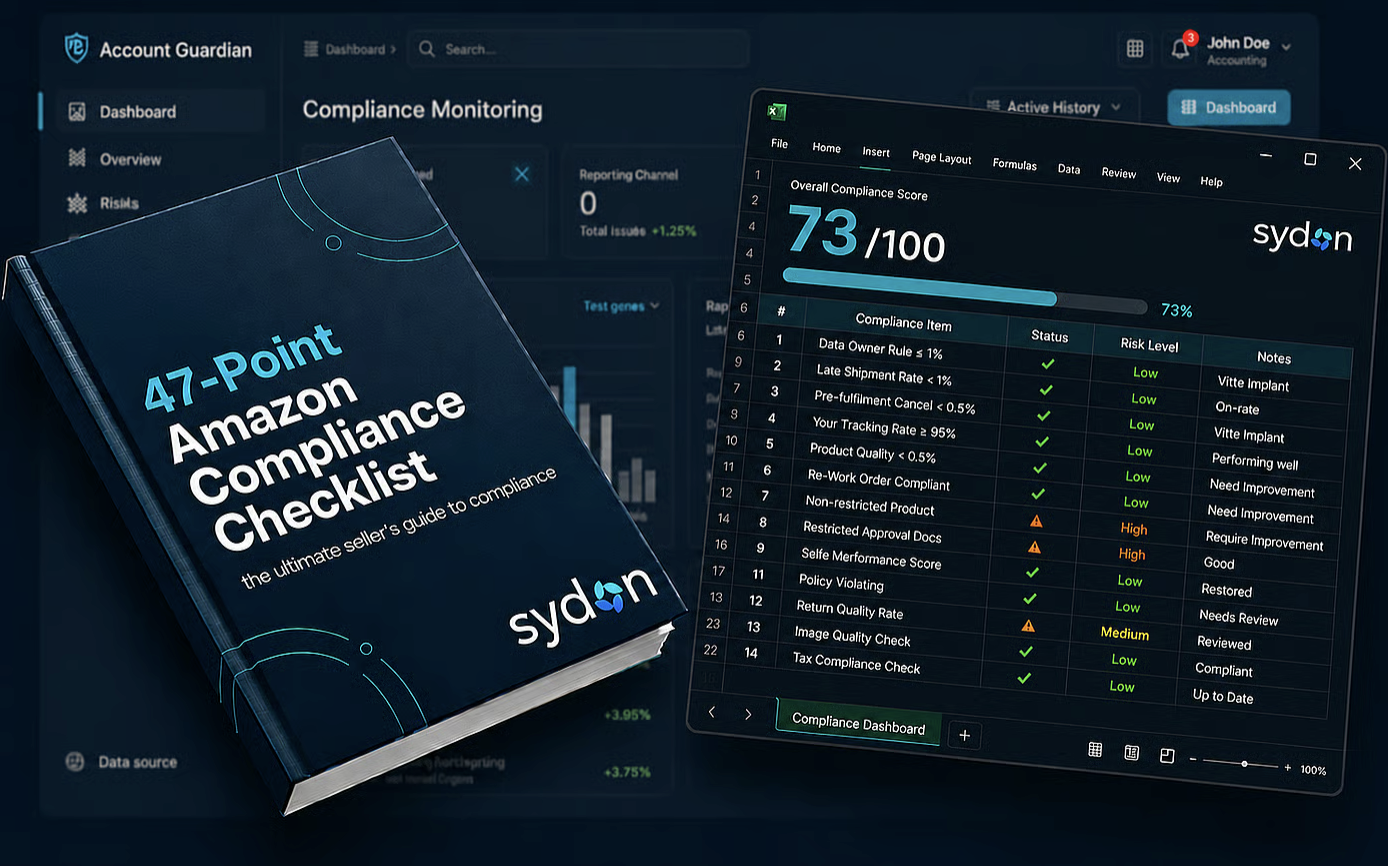
Your Amazon account is more than a shopping tool, it’s a digital vault containing your payment info, order history, addresses, and potentially thousands of dollars in stored gift cards or Prime benefits.
Cybercriminals know this, which makes Amazon accounts prime targets for fraud and account takeovers. The good news? You don’t have to wait for disaster to strike to protect yourself.

The 72-Hour Advantage: Catch Trouble Early
Detecting suspicious activity “72 hours in advance” isn’t about psychic powers. It’s about understanding how attackers operate. Even accounts of Amazon best sellers aren’t immune, most cybercriminals don’t dive in with big purchases immediately. Instead, they test the waters, probe defenses, and look for weaknesses.
Think of it like someone casing a house, they check doors, windows, and routines before making their move. If you notice these early warning signs, you can lock your account down before any damage occurs.
Red Flags That Scream "Something's Wrong"
Let's talk about the warning signs you absolutely can't afford to ignore. First up: those unexpected password reset emails. You know the ones, you're sitting there minding your own business when suddenly you get an email saying someone tried to reset your Amazon password. Even if you quickly realize it wasn't you and the reset didn't go through, don't just shrug it off. That's someone rattling your doorknob, testing to see if they can get in.
Another major red flag is seeing unfamiliar devices pop up in your account security settings. Amazon keeps track of every device that logs into your account, and you should be checking this list regularly. Spotted a login from a Samsung phone when you only use iPhones? See access from Seattle when you live in Miami? That's not a glitch, that's someone who shouldn't be there. Attackers often log in just to look around before they start causing real damage.
Here's one that's easy to miss: subtle changes to your account details that you definitely didn't make. Maybe there's a new shipping address added to your account in a state you've never visited. Perhaps there's an extra email address listed as a backup. Criminals are counting on you not noticing these additions. They'll quietly add their own shipping address or payment method, hoping it'll blend in with your legitimate information long enough for them to exploit it.
Staying One Step Ahead: Smart Monitoring Habits
The best defense is a good offense, right? Start by turning on every notification Amazon offers. Yes, it might feel like information overload at first, but you want immediate alerts for order confirmations, shipping updates, and especially security changes. Make sure these notifications are going to an email and phone number you actually check. What good is a warning if you don't see it until it's too late?
Get into the habit of spot-checking your Amazon account weekly, even during quiet periods when you're not actively shopping. Scroll through your order history looking for anything you didn't buy. This includes those sneaky digital purchases, downloaded books, rented movies, or in-app purchases on Amazon services. Fraudsters love starting with small digital items because they're easy to overlook and there's no physical package to tip you off.
Your payment methods deserve special attention during these check-ins. Make absolutely certain that every credit card, debit card, and bank account listed is one you recognize and actively use. Also keep an eye on gift card balances and promotional credits. If numbers seem off or you spot credits you don't remember earning, dig deeper.
Amazon's Security Arsenal: Tools You Should Be Using
Two-factor authentication (2FA): Adds a second layer of verification via your phone. Even if a hacker has your password, they can’t log in without this code.
Require OTP for purchases: Amazon can send a one-time password to your phone before any purchase. This ensures unauthorized users cannot spend money even if they access your account.
Purchase approvals for family accounts: Require approval for orders above a certain amount or all household purchases. This checkpoint helps catch unauthorized transactions.
AI monitoring for sellers: Platforms like Sydon take this a step further, providing AI-driven alerts for unusual login patterns, order anomalies, or unauthorized account changes, helping sellers act before any losses occur.
When You Spot Something Fishy: Act Fast
- Change your password to a strong, unique combination of letters, numbers, and symbols. Avoid reusing passwords from other accounts.
- Remove unrecognized items from your account, devices, payment methods, and addresses.
- Contact Amazon customer service immediately. They can investigate suspicious activity, apply extra protections, and reverse fraudulent orders.
- Notify your bank or credit card company if payment information may have been compromised. They can monitor charges or issue new cards.
Building Long-Term Security Habits
- Use a password manager to generate and store complex passwords.
- Never share your Amazon password, and be skeptical of emails asking for login verification.
- Set monthly reminders to review your Amazon account, including security settings, payment methods, and recent orders.
- Stay informed about the latest scams targeting Amazon sellers. Cybercriminals constantly evolve, and awareness is your best defense.
By combining consistent monitoring, Amazon’s built-in security tools, and AI-powered alerts, you turn your account from a vulnerable target into a secure hub for your business. Most attackers look for easy prey, show them you’re vigilant, and they’ll move on.
Frequently Asked Questions
Q: What if I receive a password reset email I didn’t request?
A: Ignore links in the email, they could be phishing. Log in manually, check your account security, change your password, and enable two-factor authentication.
Q: How often should I check my account?
A: At least once a week. Review orders, devices, and payment methods, and enable notifications for immediate alerts.
Q: Can someone make purchases without my password?
A: Yes, if your account is logged in on a shared or unsecured device. Enable “Require OTP for purchases” for an extra security layer.
Q: What are common signs of compromise?
A: Unfamiliar devices, unexpected password reset emails, new addresses or payment methods, and orders you didn’t place, even small test purchases.
Q: Will Amazon refund fraudulent purchases?
A: Generally, yes. Report unauthorized activity immediately, and Amazon will investigate and reverse verified fraudulent charges.
Bottom Line:
You can’t eliminate all risk, but you can tilt the odds in your favor. Detect early warning signs, use Amazon’s security tools properly, and adopt smart monitoring habits. Protecting your Amazon account isn’t just about avoiding fraud, it’s about safeguarding your profits, your business, and your peace of mind.