01
10-module audit template.
A step-by-step PDF covering the checks where Amazon ad accounts usually leak budget.

Free Amazon PPC audit template and Excel workbook for sellers
The PPC Audit Kit is an Amazon PPC audit template with an Excel workbook. It gives you a repeatable way to review wasted spend, search-term decisions, campaign structure, and missed actions using the reports you already have.
What’s inside
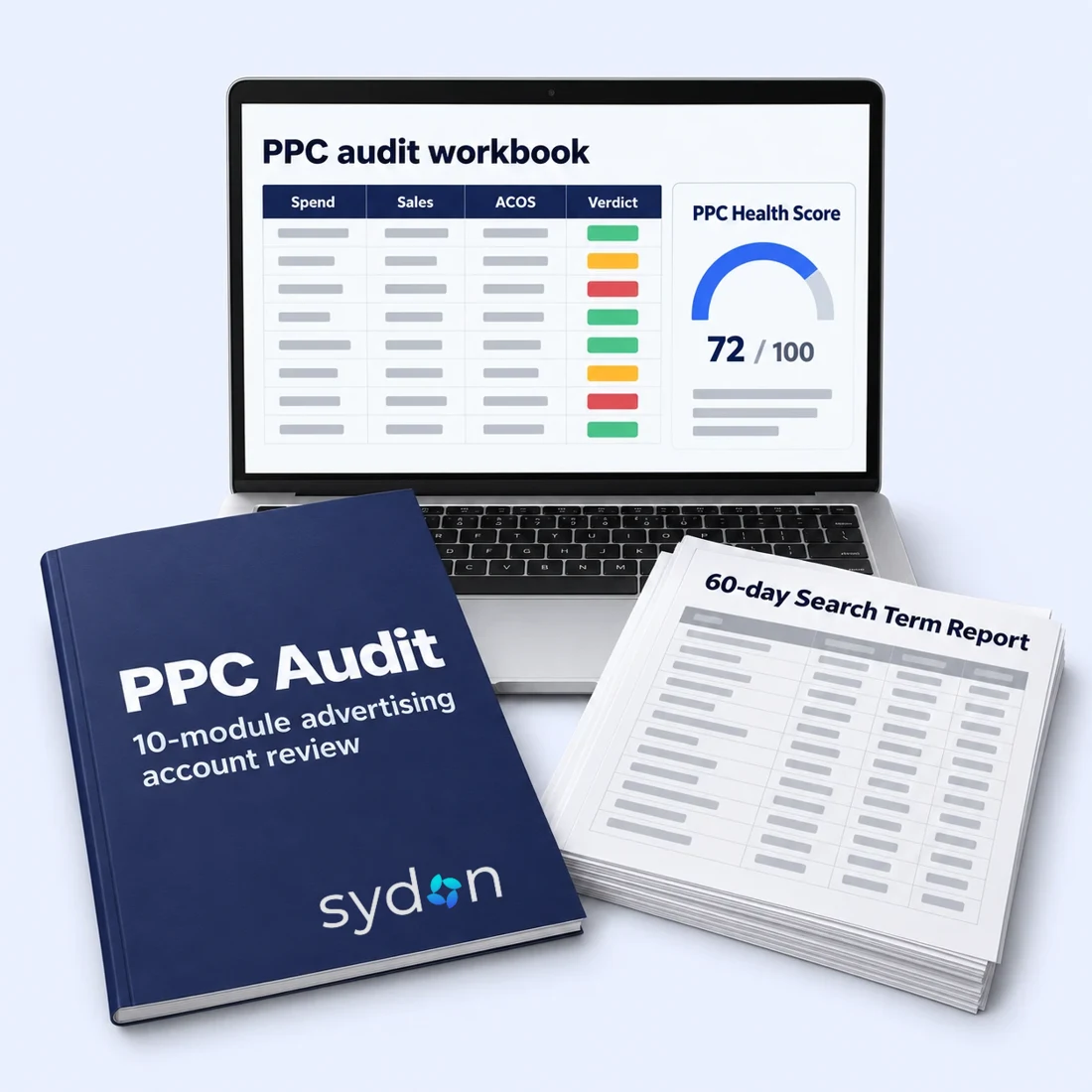
The ZIP gives you a 10-module PDF audit template, a workbook, and a sample 60-day Search Term Report so your team can see exactly how the system works before using your own data.
01
A step-by-step PDF covering the checks where Amazon ad accounts usually leak budget.
02
A spreadsheet companion for organizing spend, sales, ACOS, waste, negative candidates, harvest candidates, and scores.
03
A realistic Search Term Report example so you can practice before touching your live account.
04
Add the Targeting Report and Placement Report when available so the audit covers where spend is coming from, not only the search term.
05
Turn the analysis into the first changes to make, the terms to watch, and the items that need more data.
Why your PPC feels leaky
Amazon PPC waste rarely announces itself as one giant bad campaign. It hides in zero-order search terms, broad match drift, duplicate winners, campaigns that go out of budget, weak placement decisions, and terms with too little data to judge.
The trap is treating every ugly row the same. A term with no orders but thin data is not the same as a term that has already spent a full blended cost per order. A converting term above target ACOS is not pure waste. Only the excess spend is the leak.
The audit pack gives you a cleaner way to make PPC decisions from your Search Term Report instead of reacting to ACOS alone.
How to use it
01
Start with a Sponsored Products Search Term Report covering 30 to 60 days. Add targeting and placement reports if you have them.
02
Use your target ACOS, break-even ACOS, or current blended ACOS as the comparison point.
03
Separate confirmed waste, inefficient spend, watch list terms, healthy terms, negatives, and harvest candidates.
04
Apply changes in the order most likely to reduce waste without cutting statistically thin data too early.
Download the audit template, scoring workbook, and report sample. Start with one campaign group and work through the highest-cost decisions first.
Want this review to run continuously? PPC Optimizer is the Sydon AI agent designed for ongoing ad-spend review.