01
Plain-English policy briefing.
Understand the seller-side and buyer-side considerations without turning the review into a legal memo.

Free Amazon AI agent policy toolkit for sellers using AI or automation
Amazon’s Agent Policy applies to automated software and AI agents that access Amazon Services. This toolkit helps you review permissions, data use, vendor controls, and the workflows your team relies on.
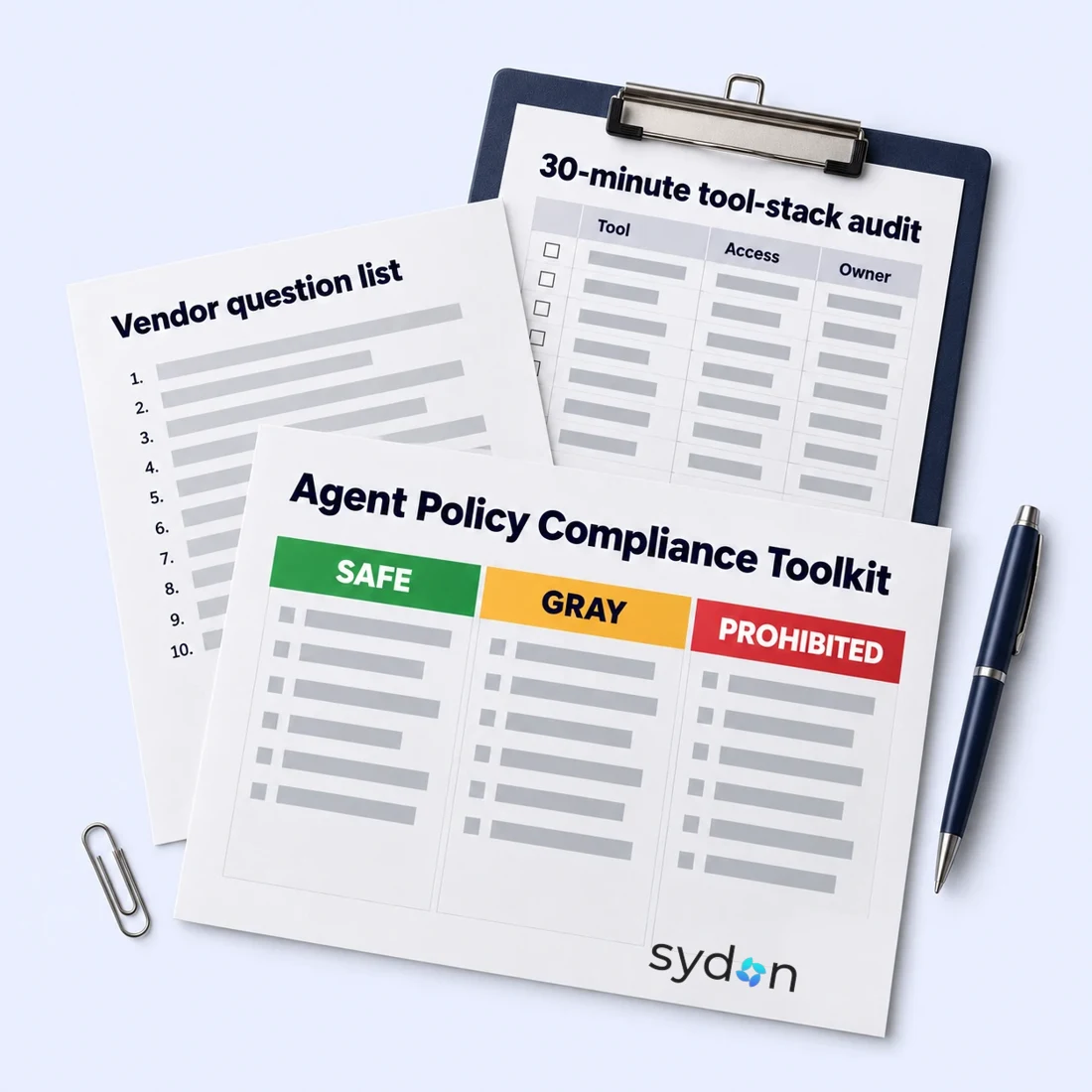
What’s inside
The toolkit turns a policy topic into a straightforward operating review. Use it to inventory your stack, ask vendors direct questions, and record the decisions your team makes.
01
Understand the seller-side and buyer-side considerations without turning the review into a legal memo.
02
Review software, agencies, VAs, browser extensions, scripts, reporting tools, and internal workflows in one place.
03
Ask how a vendor accesses account information, what permissions it needs, where data goes, and how its controls are maintained.
04
Sort workflows into lower-risk, needs-review, and stop-until-clarified categories so the next decision is visible.
05
Understand how automated shopping experiences can affect discovery, product data, and your team’s future review process.
Why this matters
A vendor can sound useful in a demo while leaving important questions unanswered: what it can see, what it can change, what data it stores, and who reviews its output.
The point of this toolkit is not to tell you that every automation is a problem. It is to help you ask enough specific questions before a new workflow becomes part of your daily operation.
You leave with a tool register, a vendor follow-up list, and a clearer view of which workflows deserve another review.
How it works
01
Include AI tools, browser extensions, agencies, VAs, PPC platforms, repricers, and dashboards.
02
Note what each workflow can view, change, send, or automate, along with its owner and vendor.
03
Use the question list to clarify permissions, data handling, controls, and the support path for policy changes.
04
Keep low-risk workflows, review unclear ones, and pause anything your team cannot explain or justify.
Download the briefing, audit checklist, vendor question list, and risk matrix before the next workflow joins your stack.